Branding and decoration
How to Prepare Artwork Files for Printing and Embroidery
Send vector files where the design allows it, raster files at the real print size and at high resolution where it does not, fonts outlined, colours specified by reference rather than by appearance, and a placement note giving position and physical size. A mock-up showing the logo on a garment is not an artwork file.
Contents
- Vector or raster: the first question
- Resolution: measure it at the printed size
- Fonts and effects
- Colour: specify it, do not describe it
- Method-specific requirements
- Placement: the part buyers forget
- Sending files in a usable form
- Approve a physical proof
- The mistakes that cost the most time
- Questions buyers ask
Unusable or late artwork can delay sampling or production. Confirm file requirements, physical dimensions and approval dates with the decorator early, and keep the approved version clearly identified.
This guide covers file preparation. Which decoration method to use in the first place is covered in the method comparison.
Vector or raster: the first question
A vector file describes shapes mathematically, so it can be scaled to any size without losing quality. A raster file is a grid of pixels, so enlarging it degrades it. Logos, lettering and flat graphics should be vector. Photographs and painted illustrations are necessarily raster.
| Type | Common formats | Use for | Watch out for |
|---|---|---|---|
| Vector | AI, EPS, PDF, SVG | Logos, text, flat graphics, anything needing colour separation | Live fonts, embedded raster images placed inside a vector file |
| Raster | TIFF, PNG, high-quality JPEG | Photographs, gradients, painted artwork | Low resolution, transparency lost, artefacts from repeated compression |
Resolution: measure it at the printed size
Assess raster resolution at the final print size. Around 300 pixels per inch (ppi) is a useful starting target, but confirm the requirement for the design and process. At 25 cm wide, 300 ppi needs about 2,953 pixels. Changing a resolution label does not restore missing image detail.
When you send a raster file, state the intended print width in centimetres. That single line lets the decorator confirm immediately whether the file is usable.
Fonts and effects
- Outline text before sending, or supply fonts where licensing allows. Confirm that the production file preserves the intended lettering; missing fonts may be substituted or prevent correct output.
- Flatten or clearly label effects. Drop shadows, glows and transparency behave differently across print methods and can produce visible boxes or halos.
- Avoid hairline strokes. Very thin lines can disappear in printing and cannot be stitched at all.
- Check minimum text size for the chosen method. Printing resolves small text far better than embroidery does.
Colour: specify it, do not describe it
Screens display colour in RGB, printing works in other colour spaces, and every device renders differently. A colour that looks right on your monitor is not an instruction.
- For spot-colour screen printing, give Pantone references for critical colours. Process and simulated-process printing use colour separations and halftones, so agree the approach with the printer.
- For digital printing, give a reference for any critical colour and expect a close match rather than an exact one, then approve a printed strike-off.
- For embroidery, colours are chosen from the thread manufacturer's shade range. A Pantone reference is used to select the nearest thread, not to dye it.
- For sublimation, approve a printed strike-off on the actual fabric, because ink, paper, fabric and heat all affect the result.
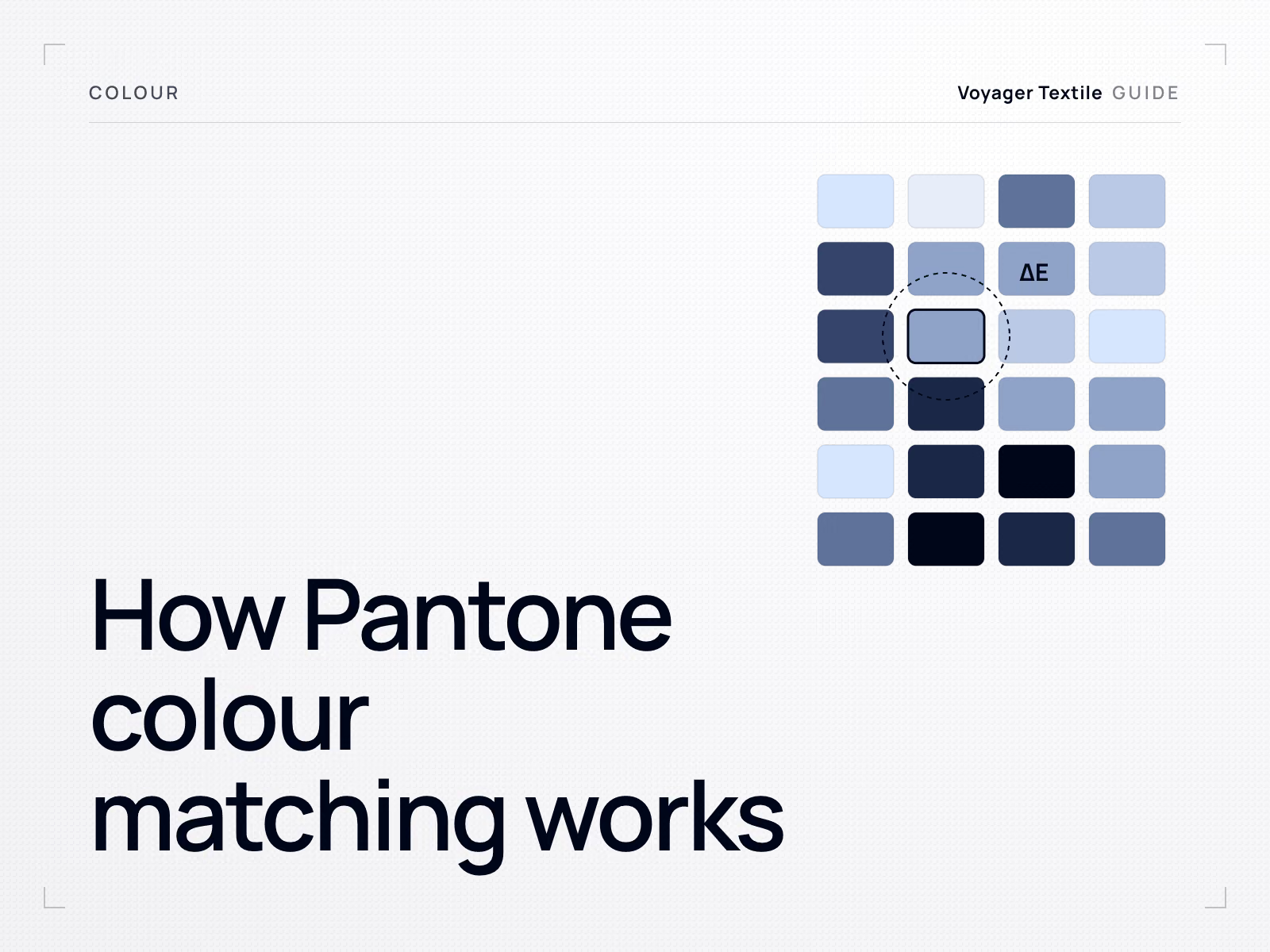
- If the garment colour has to match the artwork, say so, and see the Pantone colour matching guide.
Method-specific requirements
Screen printing
Supply suitable vector or high-resolution raster artwork, with spot colours clearly identified where applicable. Agree who prepares the separations. Screen count depends on those separations, including any underbase; gradients and photographs can use halftones rather than requiring a screen for each visible tone.
DTF and DTG
Supply a high-resolution file at the printed size with a genuinely transparent background rather than a white one, unless the white is part of the design. Remember that on dark garments a white underbase is printed beneath the design, so anything intended to look like the garment colour must actually be transparent, not white.
Embroidery
Embroidery uses a stitch program prepared for the design, size, fabric and equipment. Digitising includes decisions about stitch type, direction and density, with software able to assist. Agree charges and revision scope. Resizing may use stitch recalculation or require further editing; approve a stitch-out at the production size.
- Supply the best vector version of the logo and the intended physical size.
- Expect fine detail and very small text to be simplified. Stitches have a minimum practical size.
- Expect gradients to be reinterpreted as solid areas or blended stitch fills.
- Approve a stitch-out, a physical embroidery sample on the actual fabric, before bulk.
- Ask whether the digitised file will be reused for reorders, so repeat production matches.
All-over sublimation
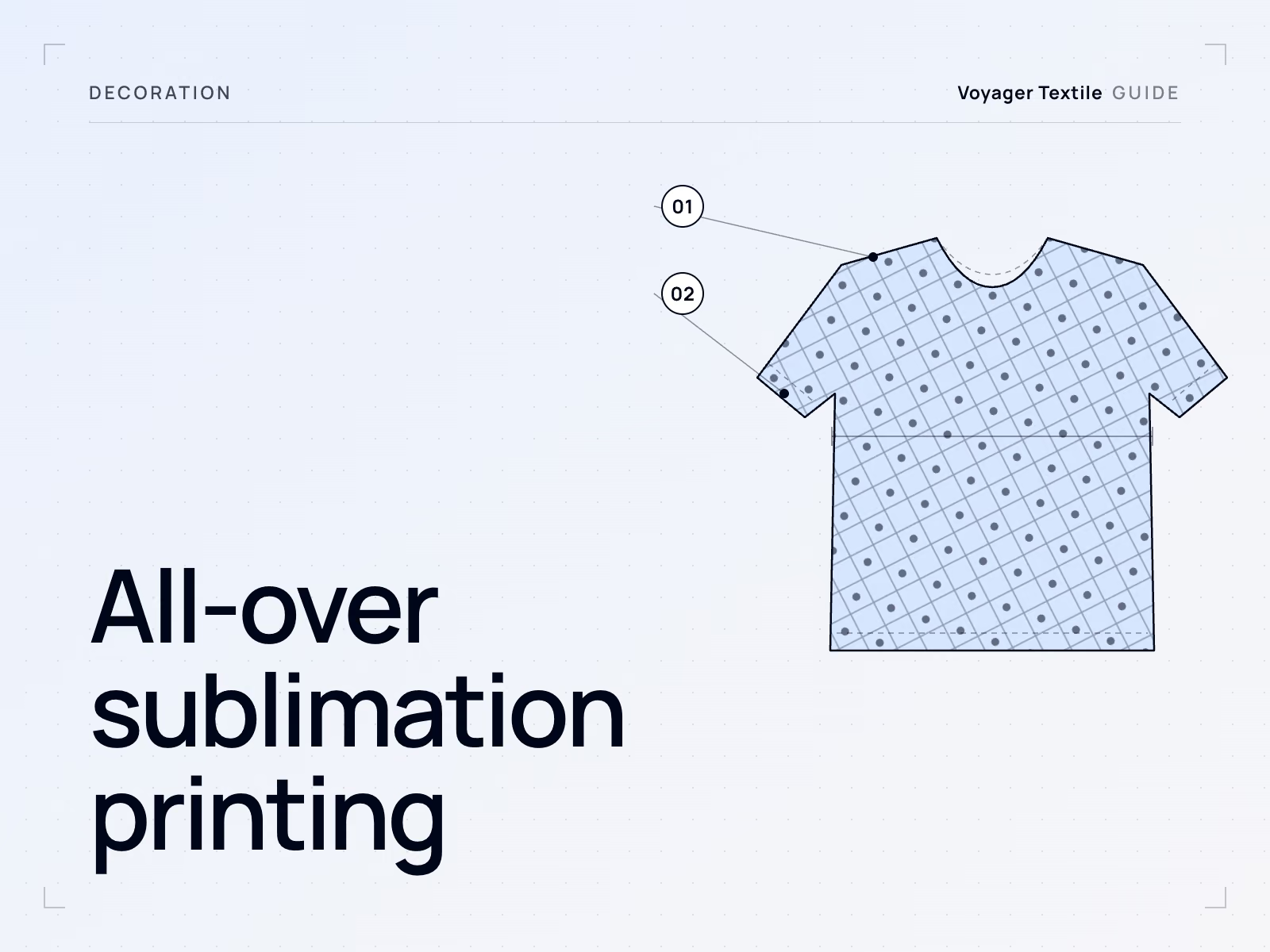
Artwork is built to the pattern panels at full production size, with the image extending beyond the cut line and seam allowances taken into account. Layered, editable files help when names, numbers or size-specific layouts are needed. Full detail is in the sublimation guide.
Placement: the part buyers forget
A file without a placement specification is only half the instruction. Give position and size in centimetres, measured from a fixed point. The artwork placement reference sets out which points to measure from and how to write the whole placement block.
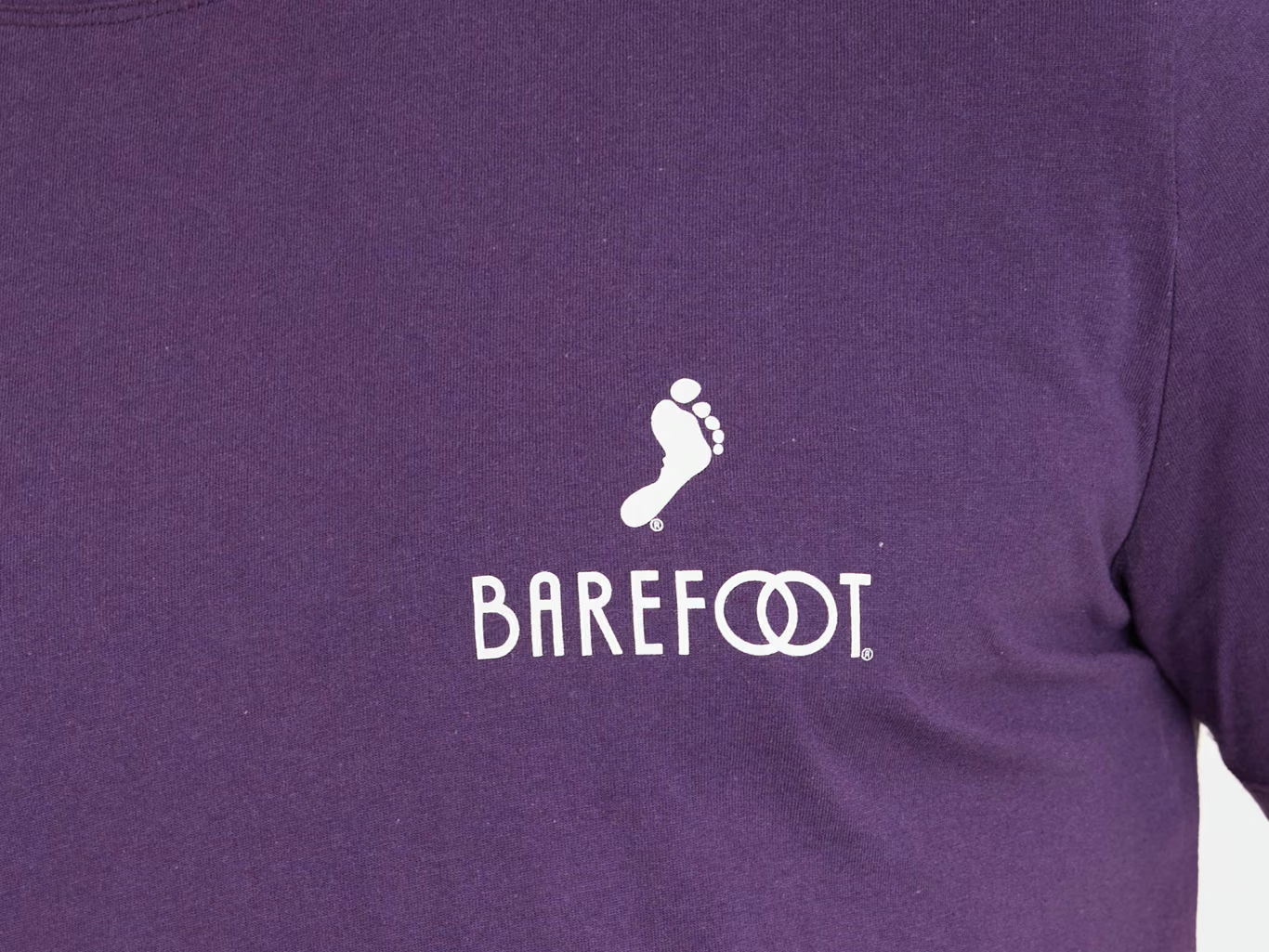
- State the print width and height in centimetres, not as a percentage or as looks like this.
- Define reference points appropriate to each placement, such as the high shoulder point and centre front for a chest graphic. State how to measure on the garment.
- Say whether the placement stays the same across all sizes or scales with them. Both are valid; the decision has to be made.
- Specify every placement separately: chest, back, sleeve, hood, neck label.
- Send a simple annotated drawing alongside the files. A mock-up plus measurements removes almost all ambiguity.
One question worth asking alongside the file formats: who ends up holding the production setup that gets built from your artwork, the digitised stitch file, the separations, the screens. It is rarely discussed and it decides how easily the same decoration reproduces at a different supplier. See design ownership.
Sending files in a usable form
- Name files clearly: style, placement, colour, version, for example hoodie-front-2colour-v3.
- Include a version number and a date, and remove superseded versions before sending.
- Send one archive per style rather than separate messages per file.
- Include a short specification sheet listing method, size, placement and colours per design.
- Say explicitly which file is final. Factories receive several rounds and the newest is not always the approved one.
- Keep the approved files archived on your side. You will need them for the reorder.
Approve a physical proof
Whatever the method, approve a physical proof on the actual fabric before bulk: a strike-off for printing, a stitch-out for embroidery, a printed panel for sublimation. Screens and mock-ups cannot show ink density, thread coverage or how a colour behaves on a textured surface.
Keep the approved proof with the sealed sample, since it becomes the reference for repeat orders.
The mistakes that cost the most time
- Sending a mock-up or presentation slide instead of the artwork file.
- Sending a low-resolution logo taken from a website.
- Leaving fonts live, so the design changes on another machine.
- Describing colours in words rather than by reference.
- Omitting the physical print size, which prevents checking resolution and placement at the intended scale.
- Resizing an embroidery file without checking stitch density, detail and the need for recalculation or editing.
- Sending final artwork after sampling has already started.
If you do not have usable files, say so at the enquiry stage. It is a normal situation with a normal solution, and it is far cheaper to resolve before production is scheduled than after. See the RFQ guide for what to send alongside artwork.
Questions buyers ask
What file format should I send for printing on clothing?
Use suitable vector formats such as AI, EPS, PDF or SVG for logos and flat graphics, with fonts outlined. For photographs, supply a high-resolution TIFF or PNG at the actual print size. Around 300 ppi is a starting target; confirm the required resolution with the printer.
What logo files should a promotional distributor send for a client order?
Logo files a promotional distributor sends for a client order should be vector (AI, EPS, SVG or PDF, fonts outlined), with Pantone references for every colour and a placement sheet giving size in centimetres and position per garment. Mark which file version is final.
What resolution does artwork need to be?
Around 300 pixels per inch (ppi) at final print size is a useful starting target for raster artwork. Confirm the requirement for the process and design, and state the physical dimensions. Increasing the ppi label alone does not create detail.
Why does embroidery need a different file?
An embroidery file controls stitches, including their type, direction and density. The design must suit the size and fabric. Software may recalculate stitches when resizing, but the result still needs checking and a stitch-out; some changes require further digitising.
Can you match a Pantone colour in embroidery?
Only approximately. Thread comes in fixed shade ranges, so a Pantone reference is used to select the closest available thread. Approve a stitch-out on the actual fabric if colour is critical.
Do I need to send artwork for every size?
If the decoration stays the same physical size, one approved design may serve several garment sizes with clear placement rules. If it changes size, confirm the required artwork or stitch-file adjustments. For panel-based all-over sublimation, prepare layouts for each pattern size.
What is a strike-off?
A physical test print on the actual fabric, produced for approval before bulk. The embroidery equivalent is a stitch-out. Approving one is the only reliable way to confirm colour, density and detail.
My logo only exists as a JPEG. What now?
Say so early. A simple logo can usually be redrawn as vector artwork, which is normal preparatory work. Trying to print a low-resolution JPEG at chest size produces a visibly poor result, so the redraw is worth doing before sampling.
Send the files and we will check them before you commit
We review artwork against the chosen decoration method and fabric, tell you what needs redrawing or digitising, and produce a strike-off or stitch-out for approval before bulk.
Have your artwork reviewed